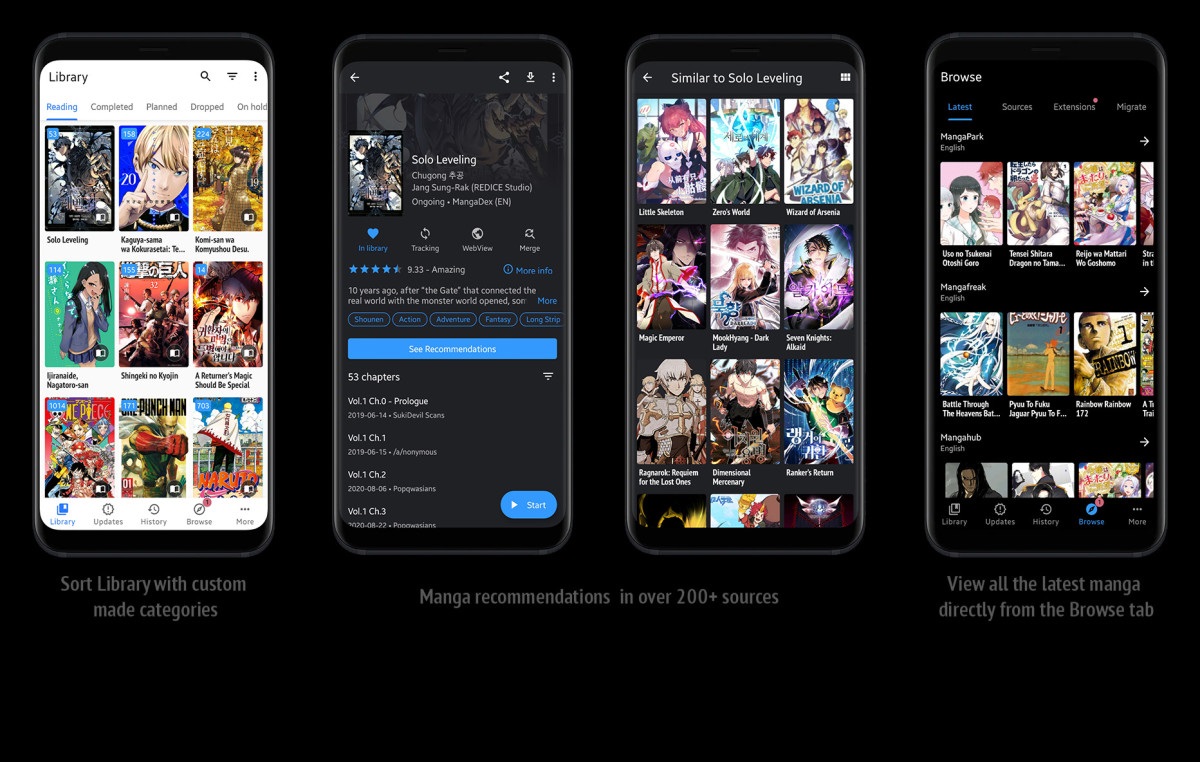
TachiYomi
DownLOAD

Tachiyomi

Your Ultimate Manga Reader  Fast & Free 

Dive into a smooth, ad-free reading experience with powerful offline support, flexible tracking, and stunning themes. All in one open-source app, made just for manga lovers like you.

Get it Now
apps-like-tachiyomi

Why Choose Tachiyomi?

Tachiyomi is more than just a manga reader — it’s your personal manga hub. Whether you’re reading online or offline, dark mode lover or data saver, beginner or binge reader — Tachiyomi adapts to your style and puts you in control.

Open Source & Ad-Free


Completely free, with zero ads and full transparency — forever.

Hundreds of Manga Sources
Browse and read from multiple sources using official and third-party extensions.
Fully Customizable Reader
Choose your reading direction, page layout, color theme, and more.
Offline Reading Support


Download chapters to enjoy manga anytime, even without internet.

Tracker Integration
Sync your progress with MyAnimeList, AniList, Kitsu, MangaUpdates, and Shikimori.
Library Management
Organize your collection with categories, filters, and update notifications.

How Tachiyomi Works

Tachiyomi is designed to be easy for beginners and powerful for pros. Just follow a few quick steps and you’ll be reading your favorite manga in no time — exactly the way you like it.

Work Flow
Download the App
Grab the latest APK file and install Tachiyomi on your Android device.
Add Extensions
Browse and install extensions from built-in sources like MangaDex, Mangakakalot, and more.
Search Your Favorite Titles
Use the global search to find any manga from your added sources.
Add to Your Library
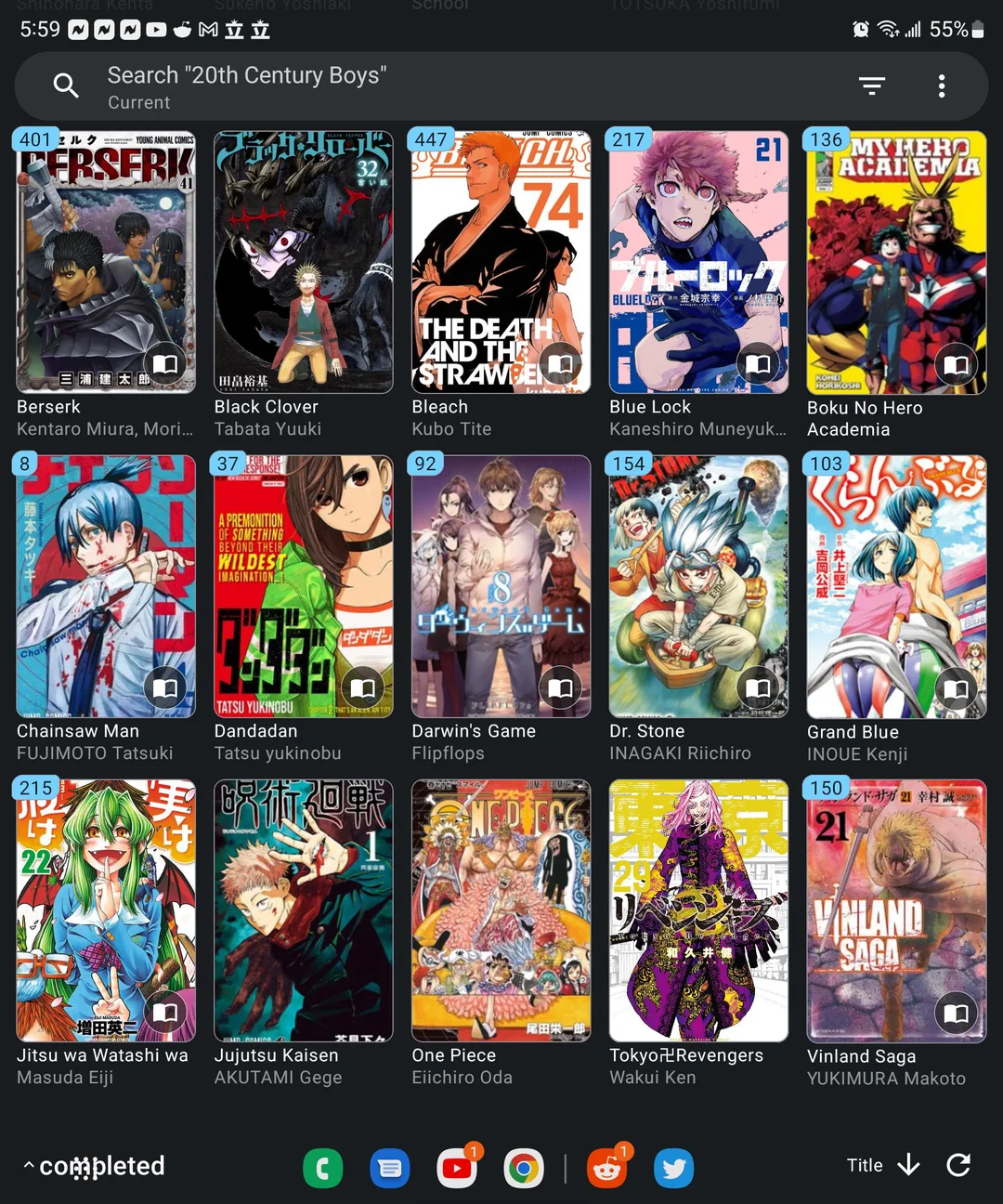
Keep track of your favorites and organize them into custom categories.
Start Reading!
Customize your reader — set dark mode, scroll direction, zoom options, and offline reading.
tachiyomi
what-is-tachiyomi

Not Just a Reader — A Revolution in Manga Access.

Tachiyomi is a powerful Android app that lets you read manga from a wide variety of sources — all in one place. It’s fast, flexible, and completely free. Designed by manga lovers, for manga lovers, Tachiyomi brings you the freedom to read how you want, when you want.

All-in-One Manga Reader
Read from multiple sources using one sleek, powerful app.
Open-Source & Fully Customizable
  • Tailor everything — from themes to tracking — just the way you like it.

Latest Blog

Stay Updated. Stay Connected.

From new releases to feature highlights and community updates — our blog keeps you in the loop with everything happening around Tachiyomi and its forks.

Install Tachiyomi APK on Android: Proven Step-by-Step Guide
By Lena Carter | |
Quick Answer: To install Tachiyomi APK on Android, download it…
Is Tachiyomi Safe to Use? A Security Guide
By Lena Carter | |
Quick Answer: The official Tachiyomi APK is safe its source…
How to Download and Install Tachiyomi (Step-by-Step Guide)
By Lena Carter | |
Quick Answer: To install Tachiyomi, download the APK from tachiyomi.site,…

Frequently Asked Questions (FAQs)

Everything you need to know about using Tachiyomi.

Yes, Tachiyomi is 100% free. It’s an open-source project created by the community and maintained by volunteers. There are no hidden charges, subscriptions, or in-app purchases.

No, due to its ability to access third-party content, Tachiyomi is not listed on the Google Play Store. You can safely download it from the official website or trusted sources like GitHub or F-Droid.

Simply download the latest APK file from the official website. Open it on your Android device, allow installation from unknown sources (if prompted), and follow the instructions to complete installation.

Go to the “Browse” tab, then tap on “Extensions.” You’ll see a list of available sources. Tap “Install” next to your preferred ones (like MangaDex or Mangakakalot), and they’ll appear in your sources list.

Yes! Tachiyomi allows you to download entire chapters from your chosen sources. Once downloaded, you can read them offline anytime without needing an internet connection.

Forks are modified versions of Tachiyomi created by other developers. They often include extra features or design changes. If you need more functionality like color filters or multi-source tracking, forks like TachiyomiSY or AZ may suit your needs.

Go to Settings → Backup & Restore and create a backup file. You can save this to your storage or cloud. Later, you can restore this file to bring back your entire library, categories, and reading progress.

Yes! It supports several trackers including MyAnimeList, AniList, Kitsu, MangaUpdates, and Shikimori. You can log in to these within the app and keep your reading synced automatically.